

Pinterest is one of the most popular visual discovery platforms for creators, designers, and website owners, with over 600 million monthly active users in 2026. But that massive audience also means heavy competition and limited visibility for many creators.
If you are looking for sites like Pinterest to showcase your work, find inspiration, or organize ideas more efficiently, there are several powerful alternatives worth exploring.
In this post, you will discover 8 of the best Pinterest alternatives for 2026, including free and paid options that cover portfolios, stock photos, content curation, and visual bookmarking.
Let’s jump right in and explore some awesome sites like Pinterest!
Top 8 Pinterest Alternatives for 2026 (Quick Overview)
| Sr. No. | Sites Like Pinterest | Best For | Pricing |
|---|---|---|---|
| 1. | Behance | Creative Portfolio & Showcase | Free |
| 2. | Pexels | Free Stock Photos & Videos | Free |
| 3. | Mix | Personalized Content Discovery | Free |
| 4. | Magazine-style Content Curation | Free | |
| 5. | Designspiration | Mood Board Creation & Design Inspiration | Free |
| 6. | Dribbble | Design Inspiration & Networking | Free / Paid |
| 7. | Pearltrees | Visual Bookmarking & Organization | Free / Paid |
| 8. | Depositphotos | Stock Photos & Videos | Paid |
1. Behance
| Feature | Overview |
|---|---|
| Platform | Behance |
| Key Features | Portfolio hosting, Adobe integration, project discovery, and community feedback. |
| Content Style | Visual portfolios, case studies, and design mockups. |
| Pricing | Free (with Adobe Creative Cloud benefits for Pro users) |
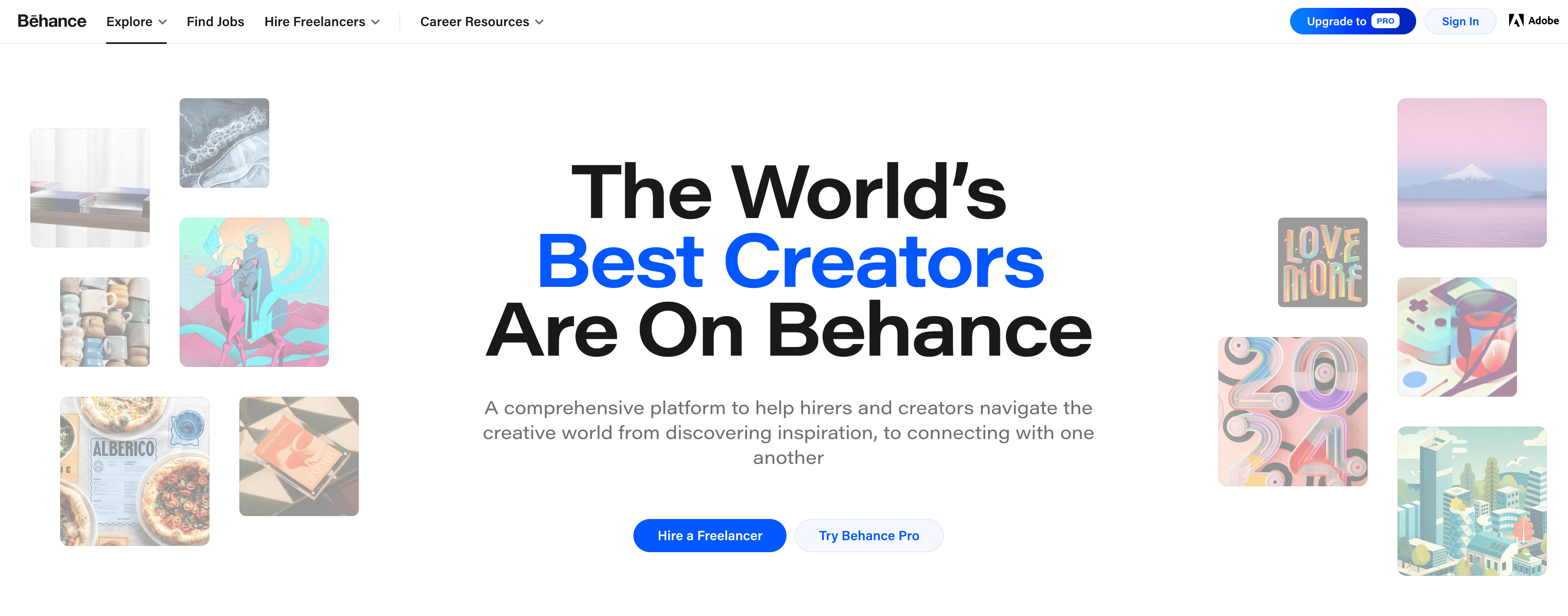
Behance is a major social media platform owned by Adobe. You can explore thousands of creative portfolios, design projects, and case studies. Behance was founded in 2005 and acquired by Adobe in 2012 for over $150 million.
What is Behance suitable for? It’s an excellent platform for designers to showcase their work.
Pros:
- It has a very large and active community of creative professionals (over 50 million users!). If you’re a designer, you’ll find it helpful, as you can interact with other designers and get feedback about your work.
- It offers an intuitive interface, and designers can easily create a portfolio and upload their work.
- Behance is free to use. Premium features are available with an Adobe Creative Cloud subscription.
- Behance has a solid branding in the web design world. That means you can attract high-paying clients if you have a strong portfolio as a designer on Behance.
Cons:
- It’s challenging to stand out from the crowd, especially if you have zero (or less) experience as a designer. It takes time to build a strong portfolio.
- Behance is not as popular as other platforms, such as Pinterest, so getting more exposure is difficult.
2. Pexels
| Feature | Overview |
|---|---|
| Platform | Pexels |
| Key Features | Free stock photos & videos, easy search, trending collections |
| Content Style | High-resolution, royalty-free images and modern video content |
| Pricing | Completely free (no attribution required, optional credit appreciated) |
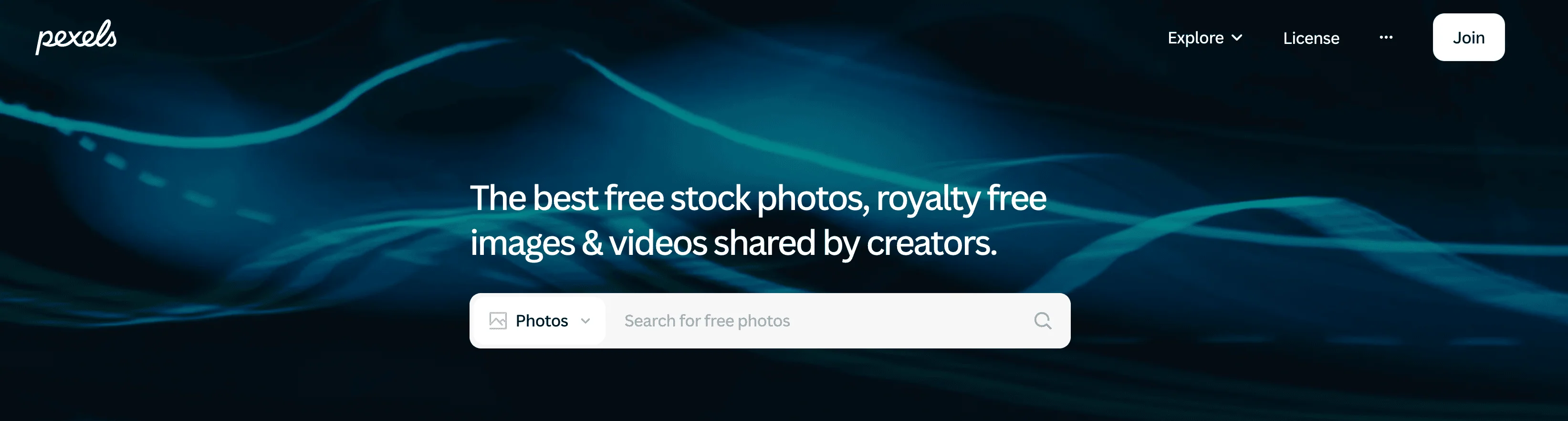
Pexels is a free stock photography platform that offers free stock photos and videos, launched in 2014. It has a vast media library of millions of free stock photos and video footage.
What is Pexels suitable for? It’s Useful for website owners and graphic designers who want high-quality, free stock photos and videos.
Pros:
- One of the best parts about Pexels is that it offers all its photos and videos for free. You don’t even need to provide image credits.
- You can use Pexels content for commercial projects, but you cannot resell it as stock.
- Unlike most other stock photography platforms, Pexels also offers free downloadable videos.
- Access to millions of high-quality stock photos and videos
- It is effortless and offers a neat interface to find the perfect image or video.
- It adds new photos and footage to its library almost every day.
Cons:
- There are none, but it doesn’t offer advanced filters if we had to pick one. That means you can’t search by color or specific image dimensions.
- Unlike Pinterest, Pexels cannot create and save boards to save your images.
3. Mix
| Feature | Overview |
|---|---|
| Platform | Mix.com |
| Key Features | Personalized content discovery, curated collections, easy content sharing |
| Content Style | User-curated articles, videos, and web content tailored to interests |
| Pricing | Free |
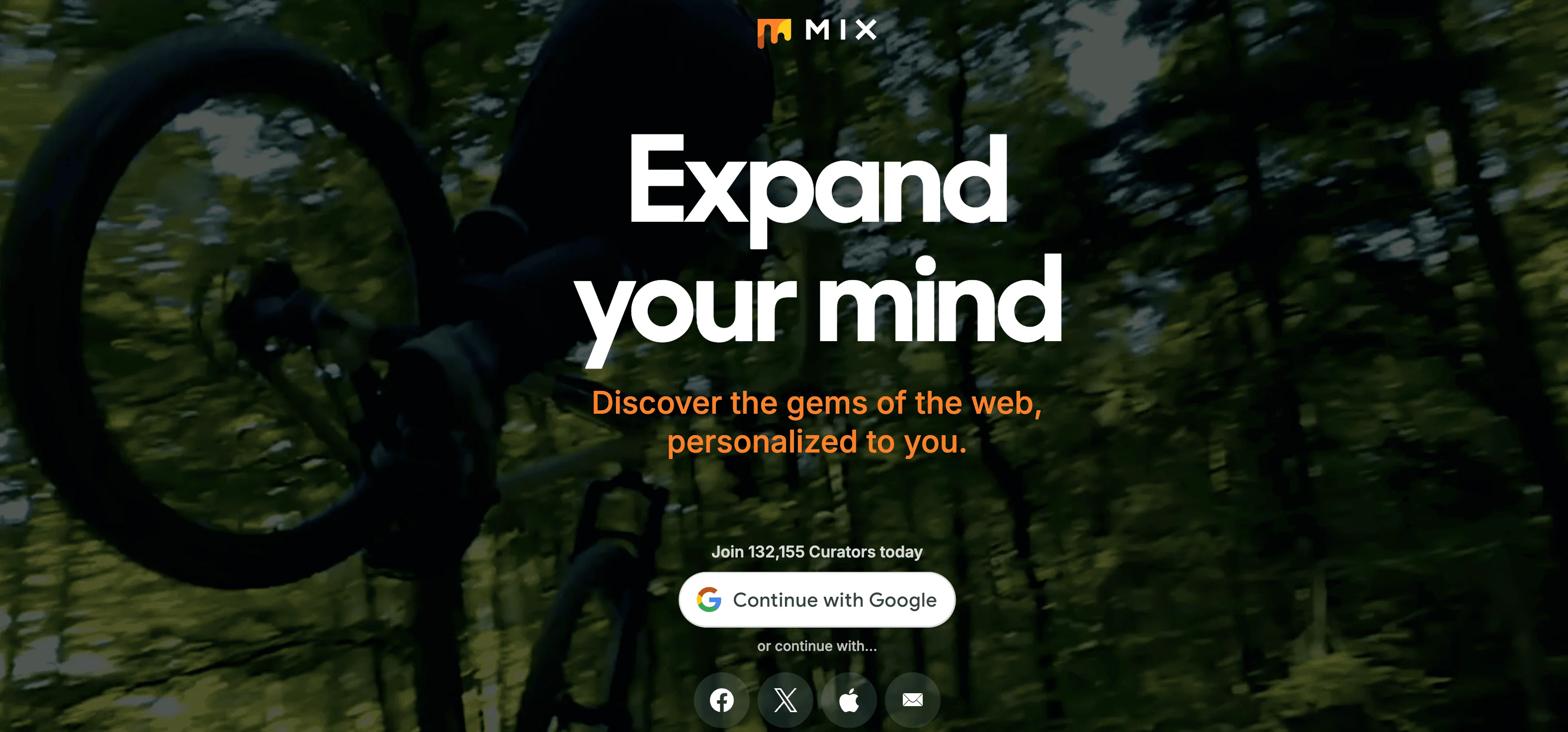
Mix (formerly known as StumbleUpon) is another excellent alternative to Pinterest. In fact, it often surpasses Pinterest when it comes to discovering stunning images and beautiful artwork.
Like Pinterest, you must select the category you need when you download the app. This app has a wide range of categories, including fashion, music, nature, architecture, lifestyle, humor, and more.
When you sign up for Mix, you can follow other users and curate your own collections of content. You can even save and organize your posts according to your interests.
What is Mix.com suitable for? If you want to discover and share good content, Mix is the right alternative to Pinterest.
Pros:
- Mix uses algorithms to tailor content recommendations to users’ interests.
- It easily helps you find relevant articles, videos, and blog posts.
- It has a feature to follow other users on this platform, which helps interact and engage.
- You can create a collection of your favorite content by saving it.
Cons:
- You may experience spam content, which might detract from the user interface.
- Mix may lack advanced features that enhance user engagement and content promotion compared to other social media platforms.
4. Flipboard
| Feature | Overview |
|---|---|
| Platform | |
| Key Features | Magazine-style content curation, personalized news, and social sharing. |
| Content Style | Curated articles, videos, and multimedia presented as digital magazines. |
| Pricing | Free |
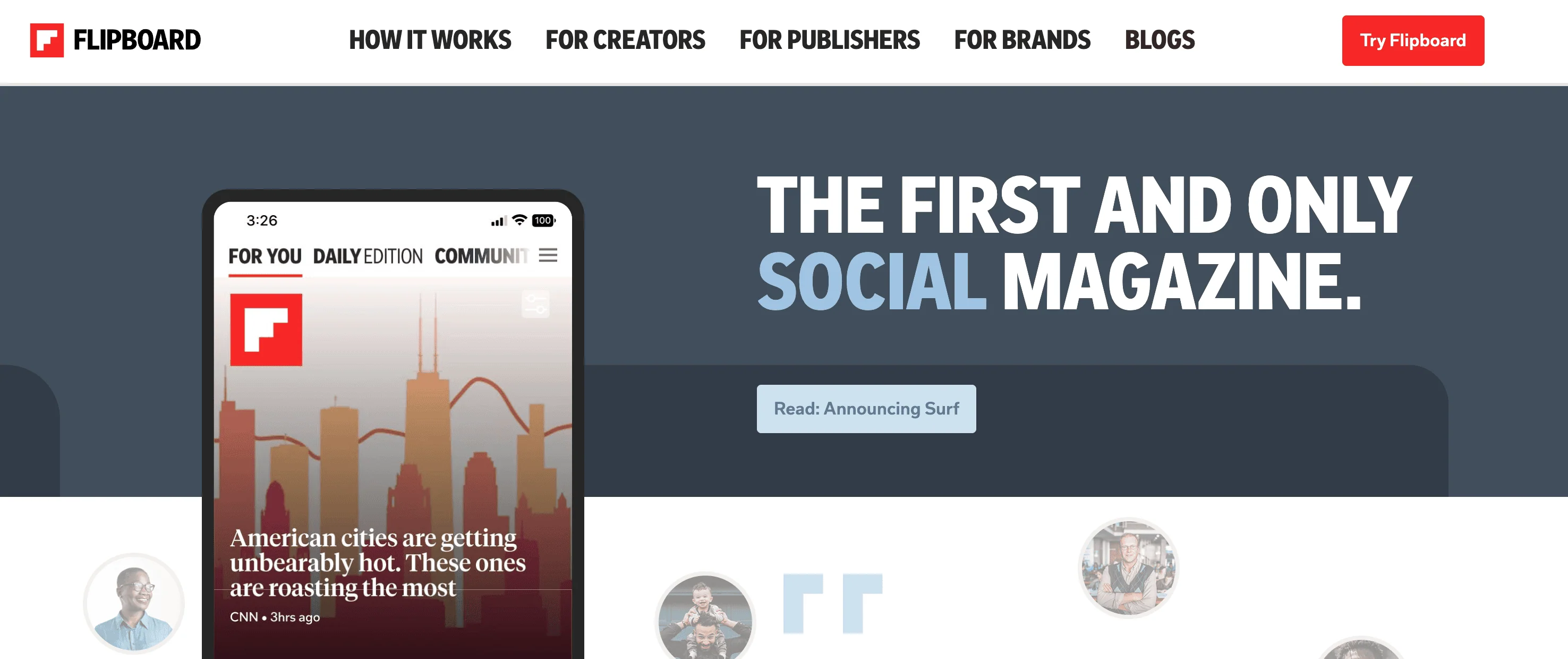
Flipboard is a creative magazine-like experience that offers curated and visually appealing content. Here, you can create personalized “Magazines” with your favorite posts.
With its magazine-like interface, you can turn articles, images, and videos on the web into magazines.
Plus, Flipboard’s algorithm also helps surface relevant content to help you get content that resonates with your interests.
What Flipboard is Suitable For: Flipboard is particularly well-suited for users looking to curate content for specific projects, interests, or professional purposes.
For instance, writers and bloggers can use Flipboard to collect research, inspiration, and references in a visually appealing format that they can easily share with their audience.
Pros:
- Create personalized “Magazines” to collect and share various content.
- Visually appealing, magazine-like layout.
- Completely free to use.
- Aggregates content from various news outlets, blogs, and social media.
- You can save the content for offline reading.
Cons:
- There are limited options for sorting news by date or filtering past articles.
5. Designspiration
| Feature | Overview |
|---|---|
| Platform | Designspiration |
| Key Features | Visual search, mood board creation, and high-quality design inspiration collections |
| Content Style | Images focused on design, typography, color palettes, and creative ideas |
| Pricing | Free |
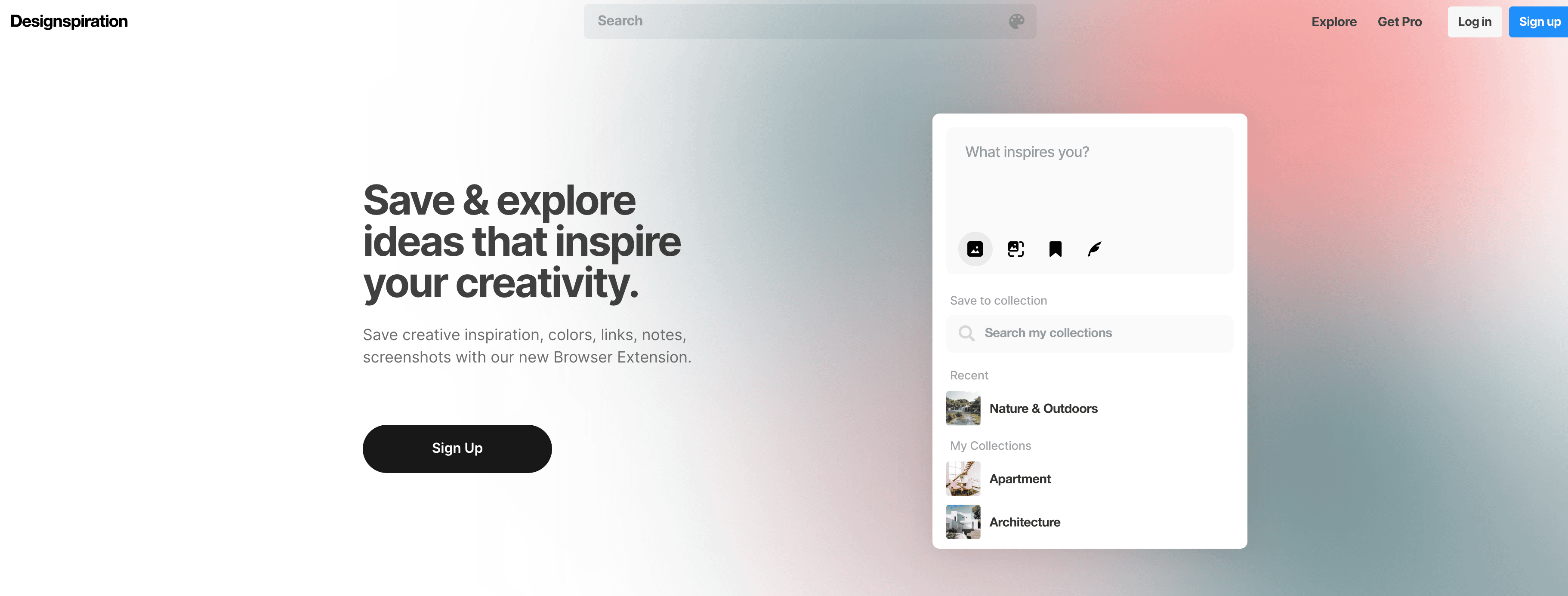
Designspiration is a great platform that is a go-to destination for creatives seeking inspiration.
With its clean interface and navigation, you get a seamless experience exploring, saving, and sharing a wide range of creative content. They even offer a color palette to filter out the designs according to your needs.
This platform offers many creative disciplines compared to other apps like Pinterest. The best part is that you can also contribute your own designs, ideas, and photographs on Designspiration.
What is Designspiration suitable for? It is perfect for anyone who is seeking excellent quality and inspiring creativity.
Pros:
- The clean interface allows you to easily browse through many images and designs.
- It offers a great collection of creatives, including graphics, architecture, and more.
- You can create mood boards by saving your favorite images, colors, and links.
- You can interact with the other users by following and commenting on their designs.
Cons:
- You may experience quality issues, as anyone can upload their creatives.
6. Dribbble
| Feature | Overview |
|---|---|
| Platform | Dribbble |
| Key Features | Design portfolios, community feedback, job boards, and networking |
| Content Style | Creative design shots, illustrations, UI/UX projects |
| Pricing | Free with optional Pro plans |
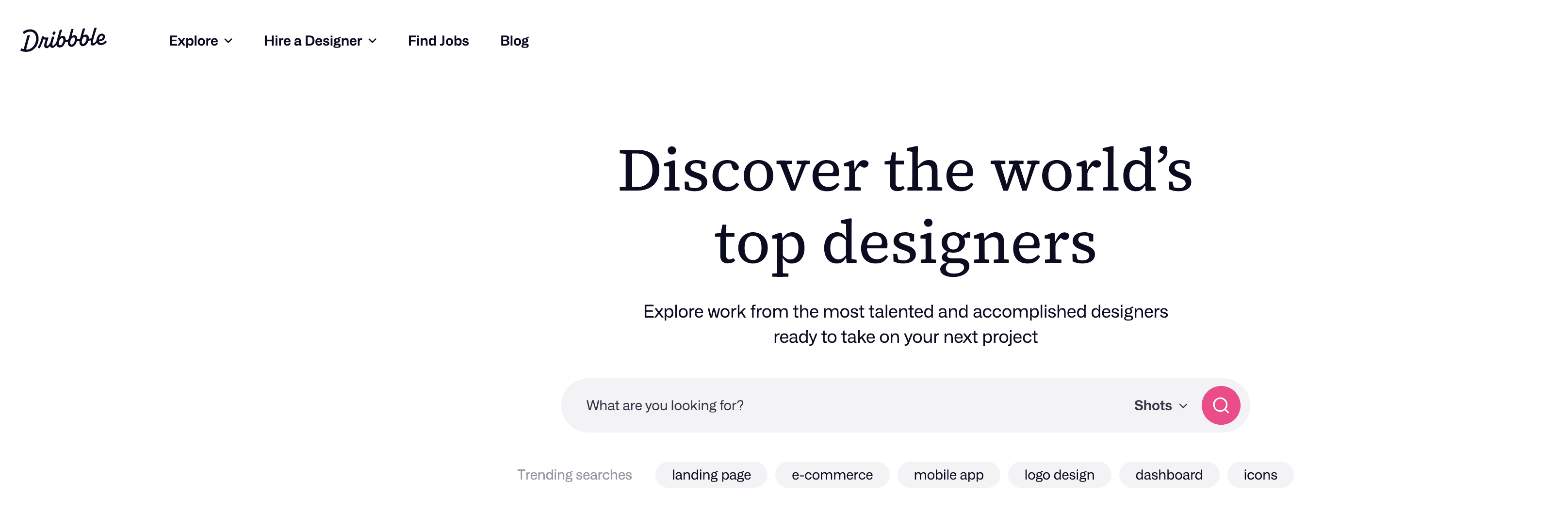
Dribbble is the best site like Pinterest to use in 2026. It is a major social networking platform for designers, with over 10 million users worldwide.
Even if you’re NOT a designer, you can still explore the images on Dribbble (called “shots” as opposed to “pins” on Pinterest) to get an idea about different types of art.
On Dribbble, you can discover thousands of high-quality designs and illustrations. Whether you want to build your brand, improve your design skills, or find high-paying design projects, you can use Dribbble.
What is Dribbble suitable for? It’s an excellent platform for designers to showcase their designs. In simple terms, Dribbble is similar to Instagram for designers.
Pros:
- Dribbble is a huge platform for designers worldwide. It has over 10 million professional users, meaning you can connect with many designers, share ideas, and get feedback on your design work.
- Dribbble is known for its high-quality design work. On platforms like Pinterest, you may find mediocre images, but on Dribbble, you’ll only find the BEST stuff. It can be helpful if you want to outsource design-related projects or find great ideas as a designer.
- You can find plenty of design inspiration from this platform, from website UI to graphics to illustration design.
- You can find many high-paying clients for your future projects if you have a strong design portfolio.
Cons:
- Unlike Pinterest, Dribbble is not for everyone. It is not helpful if you are not a designer.
If you’re searching for sites like Pinterest or thinking of starting your own, don’t miss these photography websites.
7. Pearltrees
| Feature | Overview |
|---|---|
| Platform | Pearltrees |
| Key Features | Visual bookmarking, content organization, and team collaboration. |
| Content Style | Curated collections of links, files, and notes organized in a tree structure. |
| Pricing | Free basic plan; paid plans with advanced features |
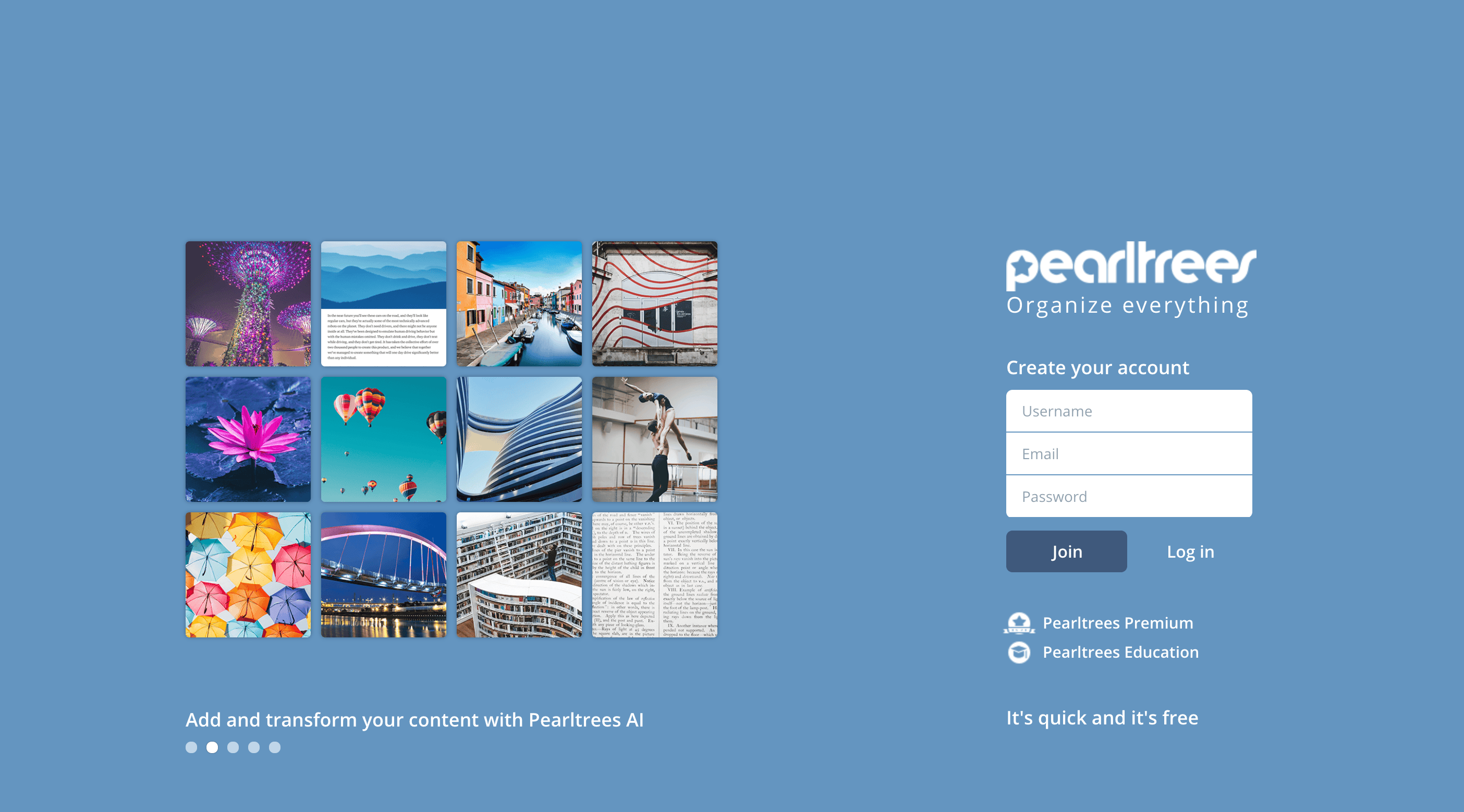
Pearltrees is an easy-to-use social media network that helps you organize everything in one place, as you can save web pages, files, photos, or notes.
Simply put, Pearltrees is a curation tool for organizing and sharing URLs found online.
Pearltrees can be used for a ton of various purposes, including:
- Whether you’re a website owner or web designer, you can use Pearltrees to organize your research efficiently. Add web pages, links, blog posts, etc., to your collection.
- You can also add photos, videos, and notes to your collections.
- You can use it to collaborate with others.
- Pearltrees can also be used to find new things and topics.
What Pearltrees is suitable for: You can explore new ideas and save bookmarks online.
Pros:
- Its simple interface makes it extremely easy to use, even for beginners.
- Like Pinterest, you can use Pearltrees for many things, including organizing your interests, finding ideas, improving your design projects, and more.
- On Pearltrees, you can save everything, including web pages, files, photos, videos, notes, etc.
- Pearltrees is collaborative, so you can share your trees with others and work on projects together. This is especially helpful if you’re on a team or looking for feedback from others.
Cons:
- The free plan offers limited storage space.
Pricing
If you want more space, choose one of its premium plans listed below.
Personal Plan: This plan costs $2.99/month or $29.99/year and offers 10 GB of storage, public or private customization, offline mode, and high-priority support.
Advanced Plan: This plan costs $4.99/month or $49.99/year and provides 100 GB of storage, public or private customization, annotation and editing features, archive web pages, offline mode, and high-priority support.
Professional Plan: This plan costs $9.99/month or $99.99/year and includes 1 TB of storage, public or private customization, annotation, and editing features, the ability to archive web pages, professional security, white-label collections, offline mode, and high-priority support.
8. Depositphotos
| Feature | Overview |
|---|---|
| Platform | Depositphotos |
| Key Features | Large library of royalty-free stock photos, videos, and vectors |
| Content Style | High-quality stock images and videos suitable for commercial use |
| Pricing | Paid plans (subscription & on-demand) |
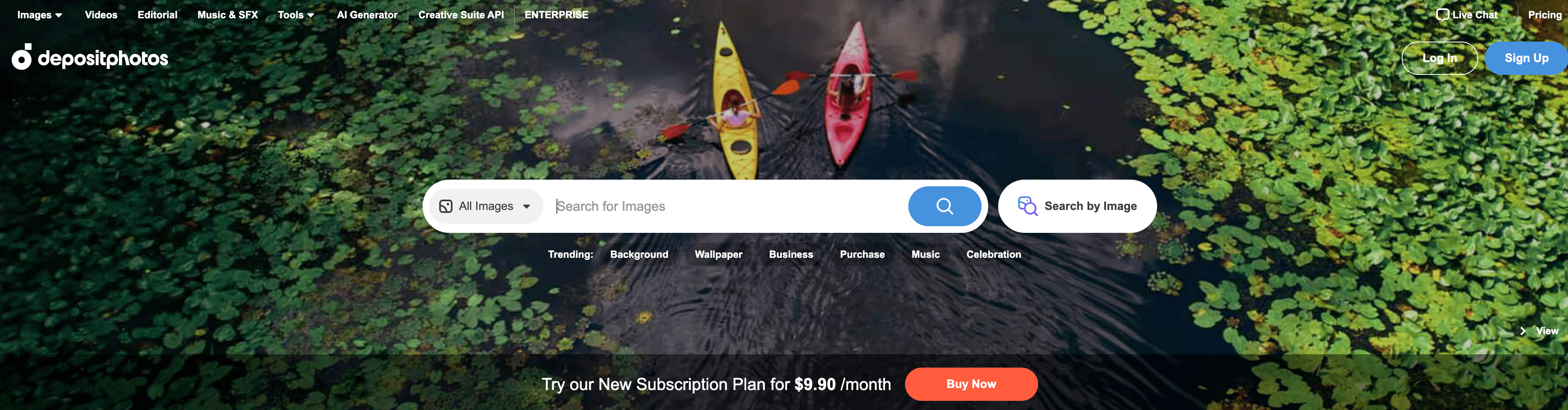
Depositphotos is also a prominent stock photography marketplace that has been around for a decade. You get a wide range of images, vectors, and videos suitable for marketers, designers, and businesses seeking visual resources.
It offers an easy-to-use search engine for images or vectors related to most topics or keywords. The best part is that you can also use its “Reverse Image Search” functionality to find images similar to a reference image.
Pros:
- It probably has the world’s largest library of high-quality images, vectors, and videos. This means you can find an image or illustration for most of your design needs.
- Depositphotos is the most active community of contributors, uploading a ton of royalty-free images every single day.
- It offers excellent customer support, including live chat.
- They also offer a 7-day free trial to all new users, during which you can download 10 images at any time.
Cons:
- The prices for some images and vectors can be higher than those on other stock photo websites, such as Shutterstock, Adobe Stock, Freepik, and others.
What is Depositphotos suitable for? This platform caters to both individual users and businesses, offering various tools for searching, organizing, and downloading images.
Related Posts: Learn more about the Best Times to post on Pinterest to boost your reach and engagement.
Final Thoughts On Pinterest Similar Websites
Yes, Pinterest is an excellent platform for finding and connecting with others. But it’s mostly a crowded platform, with over 600 million users.
In fact, 1 in 3 Pinterest shoppers earn over $100k! Gen Z is Pinterest’s fastest-growing audience, accounting for 42% of its global user base.
If you’re a designer or creator looking for less-crowded (yet better) platforms, you can try the above Pinterest alternative sites.
So what are your thoughts? Did you find these alternatives helpful? Share your thoughts in the comments.
FAQs on Sites like Pinterest
Here are some FAQs people ask about sites like Pinterest.
The Dribbble Pro package costs $5 per month or $60 per year. On average, the Pro package offers 300% more profile views and engagement than non-Pro members.
Yes, Pexels is 100% free to use. You can download high-quality images and videos from their over 3 million stock photography collections. No attribution is required, so you don’t have to worry about copyright infringement.
Some of the best Pinterest replacements include;
– Dribbble
– Behance
– Pearltrees
Behance is free. Paid features are available through Adobe Creative Cloud plans.
People aged 25 to 34 use Pinterest the most.


Leave a Comment
Your email address will not be published. Required fields are marked *